
Articles
Connect Shopify Payment Gateway via Sadad (4 Steps)
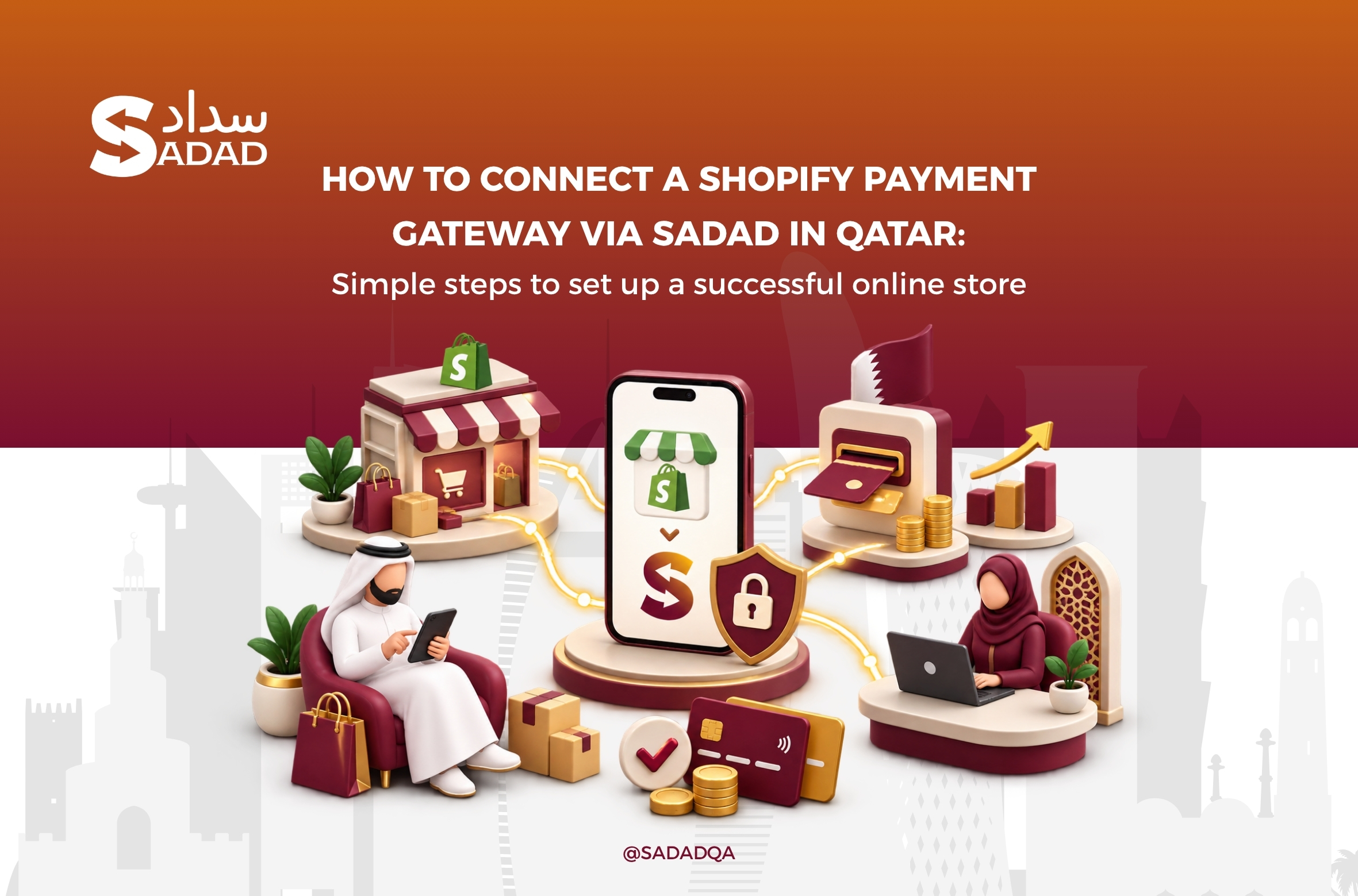
Shopify Payment Gateway Qatar
You have set up your Shopify store, added your products, configured your pricing, and customized the design. Yet, the most critical challenge remains: How do you offer your customers in Qatar a seamless, secure, and familiar payment experience?
The checkout stage is the backbone of any thriving e-commerce enterprise. Shoppers in Qatar demand trusted, localized payment options. Failing to deliver them often leads to higher cart abandonment rates and missed revenue opportunities.
This is where SADAD Qatar steps in. Licensed by the Qatar Central Bank (QCB) and globally certified as an official partner of Visaand Mastercard, SADAD is a premier domestic payment solution engineered for local and regional commerce. Furthermore, SADAD is the first Qatari FinTech company to integrate directly with the Qatar Central Bank’s Real-Time Gross Settlement system (QA-RTGS) as of September 1, 2026, delivering unmatched operational reliability and instant settlement capabilities.
Integrating SADAD with Shopify empowers you to process transactions in multiple currencies—primarily the Qatari Riyal (QAR)—via local debit cards and international networks smoothly and securely, converting website traffic into completed sales.
Why Do You Need a Dedicated Shopify Payment Gateway in Qatar?
A visually appealing storefront alone does not close sales. Buyers need an intuitive, dependable channel to complete transactions the moment they land on the checkout page.
A payment gateway functions as the secure digital bridge connecting your store, your customer, and the processing bank. When choosing a payment gateway in Qatar, focus on these critical factors:
Seamless Integration: Fast, low-friction setup within Shopify without extensive code development.
Local Payment Support: Full support for methods preferred by Qatari consumers, particularly local debit cards.
Rigorous Security Standards: Compliance with international financial security standards to minimize fraud.
Optimized Checkout Experience: A frictionless flow designed to reduce customer drop-offs at final checkout.
Comparing Payment Solutions for Shopify in Qatar
Selecting a payment processor depends on your business model, expected transaction volumes, and target demographics. Here is a direct comparison across the market:
Evaluation Criteria Regional / International Gateways (e.g., SkipCash) Traditional Local Banks (e.g., QNB) SADAD Payment Gateway (Qatar) NAPS & Local Cards Varies by provider Supported via designated bank rails Direct, native support via NAPS & QA-RTGS rails Shopify Integration Dependent on private apps; no standard public app Custom API or third-party plugins Dedicated, certified app integration for Shopify Merchant Onboarding Varies Involves traditional corporate banking procedures Streamlined digital onboarding designed for merchants SADAD offers a dedicated, native integration for Shopify merchants alongside direct clearance via the national NAPS network, which covers the majority of domestic online consumer payments.
Key Benefits of Using SADAD for Your Shopify Store
-
Domestic Currency Processing (QAR): Charge your buyers directly in Qatari Riyals, shielding them from currency conversion surcharges and lowering foreign transaction costs.
-
Full Payment Method Coverage: Accept local debit cards through the national NAPS network, major credit cards (Visa and Mastercard), and digital wallets such as Apple Pay and Google Pay.
-
Enterprise-Grade Compliance: Fully compliant with PCI DSS standards and equipped with 3D Secure (3DS) authentication protocols.
-
Direct Shopify Integration: A dedicated integration framework that allows activation without manual programming.
-
Real-Time Analytics & Reporting: A centralized merchant portal enabling you to monitor live transactions, issue online refunds, and generate reconciliation reports.
-
Dedicated On-the-Ground Support: A local, Qatar-based technical team providing immediate assistance to ensure continuous operational uptime.
Prerequisites Before Initiating Setup
Completing your account verification and preparing your store assets in advance ensures a smooth, uninterrupted rollout:
1. Shopify Store Readiness
-
An active, paid Shopify subscription with an attached custom domain.
-
Configured product catalog with primary pricing set to Qatari Riyal (QAR).
-
Defined shipping zones, domestic fulfillment rates, and delivery parameters.
-
Published policy pages (Refund Policy, Terms of Service, Shipping Policy, and Contact Information).
2. SADAD Merchant Credentials
-
An approved and active SADAD Merchant Account (
panel.sadad.qa). -
Verified business compliance documents (Commercial Registration, establishment ID, and corporate bank account details).
-
Generated API integration credentials:
-
Merchant ID
-
API Key / Secret Key
-
Step-by-Step Guide: Integrating SADAD with Shopify
Step 1: Install the SADAD App on Shopify
-
Sign in to your Shopify store administrative dashboard.
-
Navigate to Settings at the bottom of the navigation menu, then select Payments.
-
Under the Supported payment methods section, click Add payment methods.
-
Choose Search by provider and enter Sadad.
-
Select the official SADAD gateway app and click Install app to authorize secure payment processing.
Step 2: Input Your API Credentials
-
Upon completing the app installation, you will be redirected to the SADAD configuration view within Shopify.
-
Open a separate tab and log in to the SADAD Merchant Portal (
panel.sadad.qa). -
Locate your integration profile to retrieve your Merchant ID and Secret Key.
-
Paste the credentials into their matching fields in your Shopify admin panel. (Note: If API credentials are not visible in your portal, contact SADAD technical support at
[email protected]to enable production API access).
Step 3: Configure Settings and Activate
-
Ensure that Sandbox Mode / Test Mode is disabled if you are moving directly to production; leaving sandbox active will process real transactions as simulation tests and disrupt settlements.
-
Select your desired payment types (NAPS, credit cards, Apple Pay).
-
Click Save, then select Activate Sadad Payment to launch the gateway on your checkout page.
Step 4: Configure Mandatory Checkout Fields
-
In your Shopify dashboard, go to Settings > Checkout.
-
Under customer contact details, ensure Shipping address phone number is set to Required.
-
Under full name preferences, ensure First and last name is set to Required.
Important Technical Note: The SADAD transaction validation engine requires the customer’s phone number and full name to authorize payments in compliance with local banking requirements. Leaving these fields optional will result in transaction processing errors.
Step-by-Step Setup Video Walkthrough
Watch this brief practical demonstration detailing how to enter your API credentials and activate the SADAD payment gateway inside Shopify:
Deployment Checklist: Testing Your Payment Gateway
| Target Verification | Checkpoint |
| SADAD appears prominently with verified payment badges (NAPS, Visa, Mastercard, Apple Pay). | Checkout UI |
| The final charge matches the exact order value in Qatari Riyals (QAR) without hidden exchange charges. | Currency Consistency |
| The customer transitions to the SADAD hosted payment interface and returns smoothly to the order confirmation page. | Secure Redirection |
| Order status changes automatically to Paid inside Shopify admin once authorized. | Order Status Update |
| The transaction ID and settlement value appear instantly in your SADAD merchant dashboard. | Merchant Portal Log |
| The payment modal adapts responsively across mobile browsers including iOS Safari and Google Chrome. | Mobile Experience |
| A clear system message informs the buyer if a card fails, enabling an immediate re-attempt. | Failed Transaction Handling |
Best Practices for Scaling a Shopify Store in Qatar
-
Optimize for Mobile First: Mobile devices drive the majority of e-commerce traffic and transactions in Qatar. Frequently audit your mobile loading speed and checkout responsiveness.
-
Offer Guest Checkout: Do not force new customers to register an account before purchasing. Enabling guest checkout noticeably reduces cart abandonment.
-
Keep Shipping Fees Transparent: State domestic delivery schedules and delivery fees clearly on the product page to avoid friction at checkout.
-
Promote Trust Signals: Feature your QCB licensing mention, SSL encryption badge, and direct customer support channels across your site footer and product pages.
-
Audit Payment Drops Regularly: Review failed attempts inside SADAD’s portal to address customer payment roadblocks swiftly.
Common Mistakes to Avoid During Integration
-
Leaving Sandbox Mode Enabled: Forgetting to disable test mode causes real customer orders to process without actual bank funds collection.
-
Setting Phone Numbers to Optional: Omitting the mandatory phone field in Shopify’s checkout settings triggers validation rejections from the gateway.
-
Skipping Live End-to-End Testing: Launching to the public without executing a small, real-value test transaction can leave setup mistakes unnoticed.
-
Neglecting Incomplete Transactions: Overlooking failed checkout logs prevents you from proactively reaching out to high-intent customers who experienced card declines.
Frequently Asked Questions (FAQ)
Can I connect Shopify with the SADAD payment gateway in Qatar?
Yes. SADAD provides a direct Shopify integration that enables merchants to accept QAR payments via NAPS debit cards, Visa, Mastercard, and Apple Pay with a simple configuration process.
How do I retrieve my Merchant ID and Secret Key?
Log in to your merchant dashboard at panel.sadad.qa and visit your profile settings. If the API section is restricted, email [email protected] to activate your API privileges.
Do I need technical coding skills to connect SADAD to Shopify?
No coding is required. The setup is handled through the dedicated Shopify app interface by entering your merchant keys and adjusting the required customer fields.
Which payment methods can my customers in Qatar use through SADAD?
Customers can pay using domestic NAPS debit cards, global credit cards (Visa and Mastercard), and mobile digital wallets like Apple Pay and Google Pay.
Start Accepting Payments on Your Shopify Store Today
The checkout journey defines your store’s success. Providing your shoppers in Qatar with a fast, locally compliant, and secure checkout builds enduring buyer confidence.
Integrate your Shopify store with SADAD today to accept domestic QAR payments, minimize cart abandonment, and scale your digital enterprise.
[Register Your SADAD Merchant Account and Launch Your Shopify Store Today]
Last Articles
Articles
Shipping in Qatar via Sadad in Partnership with Qatar Post 2026 | Door-to-Door Shipping
Shipping in Qatar via Sadad in Partnership with Qatar Post | Door-to-Door Shipping Shipping in Qatar has traditionally been associated with Qatar Post and a specific range of delivery services....
Read more
Articles
POS Machine Prices and Types in Qatar 2026 | Comprehensive Guide for Businesses and Restaurants
Comprehensive Guide to POS Machine Prices and Types in Qatar for Businesses and Restaurants In Doha's fast-moving business environment, where new cafés, fine-dining restaurants, retail stores, and service businesses continue...
Read more
Articles
How to Start Online Business in Qatar: Your Complete 3-Step Guide (License, Store, and Profits)
How to Start Online Business in Qatar? In the heart of Doha, with every screen tap and smartphone glow, a new economic landscape is taking shape. Success is no longer...
Read more