
Articles
ERP API Integration in Qatar: The Fastest Way to Automate Payments with SADAD
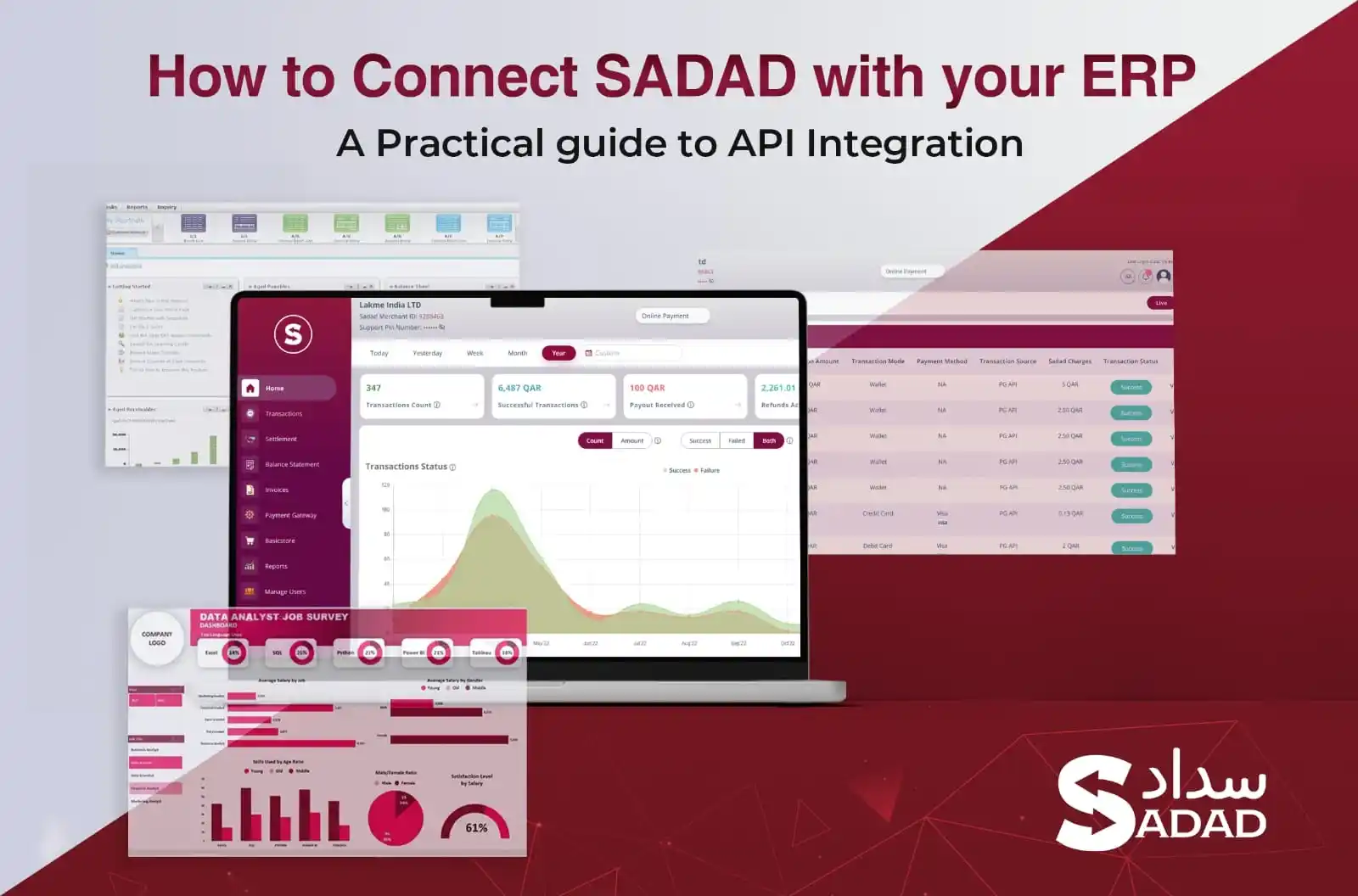
SADAD ERP & API Integration in Qatar: The Masterclass for Scaling Your Finance Operations
If you’re managing payments, invoices, or sales data across multiple systems in Qatar and you’re still syncing manually, chasing spreadsheets, or reconciling settlements by hand, you’re already behind.
The most innovative companies in Qatar aren’t just digitizing; they’re transforming. They’re integrating.
They’re using APIs to connect SADAD’s payment systems directly into their ERP platforms, automating finance, unlocking real-time data, and removing the bottlenecks that slow down accounting, operations, and decision-making.
And here’s the part most people miss: this isn’t a future-state scenario. It’s already happening. In retail chains, logistics firms, clinics, and ecommerce stores across Doha, businesses are syncing SADAD with ERPs such as Odoo, SAP, Dynamics, and Oracle and watching their payment data flow in cleanly, instantly, and error-free.
This guide is your blueprint.
You’ll learn:
- What API and ERP integration really means (no fluff, just clarity)
- How SADAD’s API works and what you can build with it
- What ERP-connected businesses in Qatar are doing right now
- The technical flow behind each use case
- How to integrate with SADAD in under a week
If you want to stop relying on Excel, if your finance team is spending days on reconciliations, or if you’re tired of systems that don’t talk to each other, this is the article for you.
Let’s get into it.
Why Integration Matters More Than Ever in Qatar’s Digital Economy
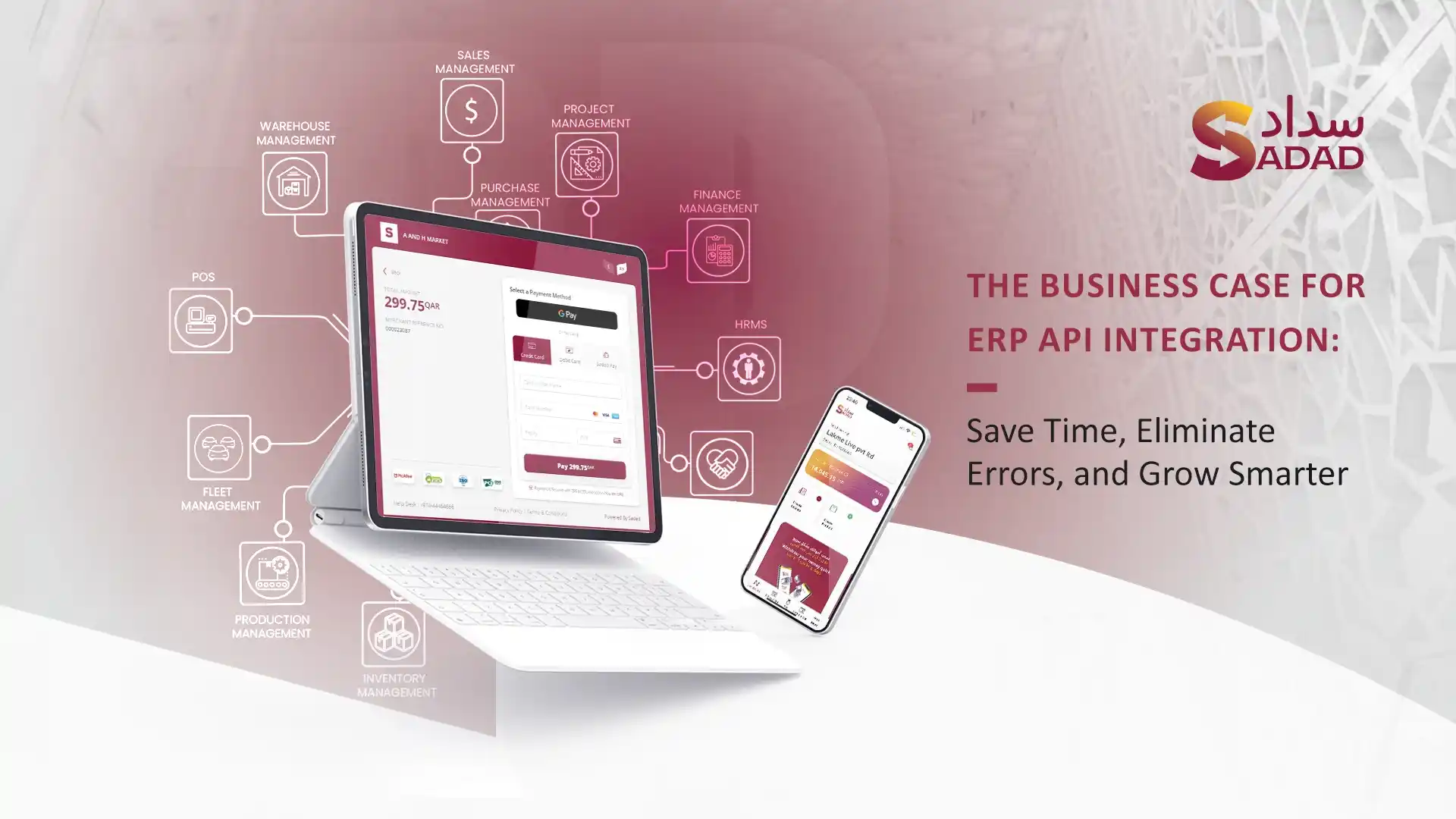
A few years ago, if your systems didn’t talk to each other, it was annoying. Today, it’s expensive.
Finance teams across Qatar are under pressure for faster reconciliations, cleaner audit trails, and better visibility across sales channels. But most businesses still operate in fragments: payment gateways here, ERP systems there, manual syncs in between.
And those gaps? They bleed time, money, and clarity.
The Policy Shift Behind the Pressure
Qatar’s Vision 2030 isn’t just a headline; it’s a real shift in how businesses are expected to operate. The Ministry of Commerce and Industry and QCB are pushing harder on digital compliance, audit readiness, and data accuracy.
Whether you’re a logistics company managing driver payouts, a restaurant chain syncing sales across multiple branches, or a clinic matching patient invoices to payments, integration is no longer a technical preference. It’s operational hygiene.
YOU NEED TO READ: Digitalization, ownership reform propel investment boom
The Business Shift You Can’t Ignore
Since 2021, SADAD has worked with thousands of businesses across Qatar. We’ve seen the shift firsthand:
- E-commerce stores are adding new payment flows, but struggling to match them with their ERP
- Retail chains manually reconcile weekend sales on Mondays, sometimes with missing receipts.
- Service businesses issuing invoices via WhatsApp, then entering the same data into finance systems the next morning.
These are real businesses, losing hours every week, not because their teams are slow, but because their tools are disconnected.
The solution isn’t more tools. It’s making your current tools talk to each other.
Integration Isn’t Just for “Big Tech” Anymore
A few years ago, API integration was something only enterprise IT teams talked about. Today, even mid-sized businesses in Doha are integrating SADAD with Odoo, Microsoft Dynamics, and QuickBooks.
Why?
Because the logic is simple:
- The ERP is the brain of the business, finance, sales, and procurement.
- The payment system handles real money.
- When the two aren’t connected, everything in between is friction.
Every delayed reconciliation, every mismatched transaction, every Excel file being emailed back and forth… It’s all a symptom of non-integration.
And in 2025 and beyond, the businesses that eliminate that friction are the ones that move faster, serve better, and scale cleaner.
What Is API Integration (And Why It Beats Manual Syncing)
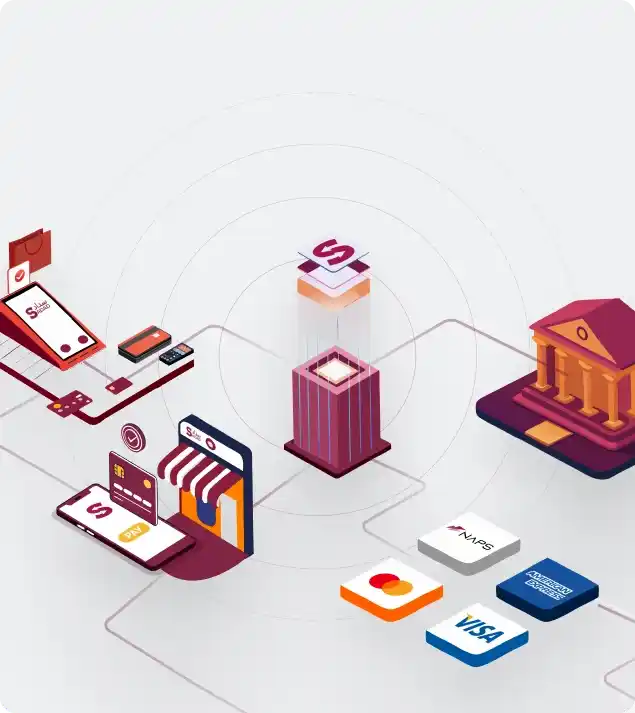
Let’s get one thing straight: API integration isn’t some futuristic concept or enterprise buzzword.
It’s just a more innovative way to make your systems talk to each other without you having to lift a finger.
If your team is copying data from one screen to another, payment amounts, invoice numbers, customer info, you don’t have an automation problem. You have a lack-of-integration problem.
What is an API?
An API (Application Programming Interface) is like a universal translator between software systems.
Imagine this:
- Your ERP speaks one language.
- Payment system speaks another.
- Without translation, they can’t communicate.
An API is that translator. It allows systems to request data, send instructions, and receive responses in real time. No exporting files. No email attachments. No delays.
Here’s what that looks like in the real world:
- Your ERP asks SADAD: “Did we receive payment for this invoice?”
- SADAD replies: “Yes, at 2:04 p.m., via card, QAR 7,500.”
- Your ERP marks it as paid. No one touches a keyboard.
What makes API integration better than manual syncing?
Let’s compare the two.
Manual syncing means:
- Exporting files from one system
- Cleaning them up in Excel
- Importing them into another tool
- Then, I’m hoping the data’s still accurate
It’s fragile, time-consuming, and always one error away from chaos.
API integration, on the other hand:
- Is real-time
- Eliminates human error
- Doesn’t care if you have 10 transactions or 10,000
- Don’t forget, delay, or mislabel anything.
It doesn’t just save time. It removes the possibility of inconsistency.
Real example: A retail chain with weekend sales
One of SADAD’s retail clients runs high-volume branches on Thursdays and Fridays. Before integration, they’d manually pull payment data and upload it to their ERP on Sunday.
What used to take two days and three people now takes zero minutes. Every transaction is automatically synced hourly, straight into the ERP. By the time the finance team arrives on Sunday, everything is already closed.
No delay. No errors. No reconciling.
What Is ERP Integration and Why It’s a Game-Changer
If your ERP is where your business lives, sales, finance, inventory, and procurement, then integration is what makes it breathe.
ERP systems like SAP, Odoo, Oracle, or Microsoft Dynamics are designed to be the backbone of your operations. They’re where you track what’s sold, what’s owed, what’s stocked, and what’s coming next.
But here’s what no one tells you: your ERP is only as good as the data flowing into it.
And without integration? That data usually arrives late, is incomplete, or is wrong.
ERP Integration = Real-time, end-to-end visibility
When you integrate your ERP with your payment systems like SADAD, you stop managing your business in silos. Suddenly, your data moves with you.
Let’s say a customer pays through a SADAD invoice or a POS device:
- The payment is confirmed
- The status is updated in your ERP
- The invoice is marked “paid.”
- Your cash flow dashboard reflects the change.
- No one has to type, check, or email anything.
Now multiply that by 50 payments a day, across four branches, with three payment methods. That’s why ERP integration matters.
Without integration? Here’s what usually happens
In Qatari businesses we’ve worked with, here’s the pattern we keep seeing:
- Sales teams issue invoices or take payments through a system.
- Finance gets an Excel sheet or a PDF report the following day.
- They manually enter payments into the ERP.
- Mistakes creep in wrong invoice IDs, timing mismatches, and duplicate entries.
- Finance spends hours reconciling at month-end
- Leadership asks, “Why are our cashflow numbers off?”
This isn’t a software problem. It’s a data flow problem.
With integration? That problem disappears
ERP integration with SADAD means:
- No delays between payment and record
- No duplicated data entry
- No manual reconciliation
- No missing invoices
- No gaps in cash flow visibility
Everything is synced, logged, and reflected in the ERP where it matters.
Real story: A service business got its evenings back
One multi-branch medical clinic, used to reconcile patient payments manually every night. Their ERP and SADAD weren’t connected, so front-desk staff exported reports, cross-checked invoices, and manually updated SAP.
Once they integrated with SADAD, the process became instant.
Now, when a patient pays via SADAD invoice, or even via link, the ERP reflects it immediately—no more end-of-day chaos. No more finance errors flagged two weeks later.
Just clean, real-time numbers.
Meet SADAD’s API: Fast, Secure, Built for Qatar
If you’ve ever worked with a payment API that felt like it was built in another country, for another market, with no idea how your operations work, SADAD is the opposite.
This isn’t just an API that “works.” It’s a gateway built for businesses in Qatar, by a team that knows how payment flows here actually look on the ground.
First, what can SADAD’s API actually do?
Here’s what’s possible, right out of the box:
- Initiate payments directly from your system (POS, ERP, e-commerce, mobile app)
- Generate smart invoices with auto-expiry, custom references, and Arabic/English support.
- Track payment status in real time: pending, completed, refunded, failed.
- Get transaction-level settlement data synced directly into your backend.
- Trigger refunds and link them to original transactions (no broken audit trails)
All through clean, well-documented REST APIs, built on modern JSON standards.
This means your ERP, website, app, or back-office dashboard can talk to SADAD the same way it speaks to any modern system, without workarounds, delays, or email confirmations.
Built for developers, not against them
Every integration engineer we’ve worked with says the same thing: “It just makes sense.”
- Complete API documentation with real examples and test cases
- Sandbox mode for staging integrations without touching live data
- Clean authentication (Bearer tokens, secure key handling)
- Arabic support for dynamic invoice generation
- Webhooks are available for real-time updates when transactions complete.
No black boxes. No outdated XML feeds. Just clean documentation, clear logic, and predictable behavior.
And if something isn’t working, you’re not emailing a global support center in another timezone. You’re talking to a team here in Qatar that answers.
Designed for security. Compliant by default.
SADAD’s API is secured by design:
- Built with TLS 1.2 encryption
- All endpoints require token-based authentication.
- Role-based access controls
- Audit logs and traceability
- Fully compliant with QCB regulations and PCI-DSS standards
This isn’t just about avoiding breaches. It’s about giving your finance team, compliance officer, and CTO the peace of mind they need to scale confidently.
Real example: One week to live
A local SaaS company in Qatar integrated SADAD into its invoicing platform. No middleware. No custom gateways. Just direct API calls from their platform to SADAD for payment creation, confirmation, and reconciliation.
Today, they send over 200 invoices per week, every one tracked, matched, and logged without manual effort.
That’s what a local-first API is supposed to do: remove friction, not add layers.
5 High-Impact ERP Integration Use Cases in the Qatari Market
If you’ve ever asked, “What exactly would we gain by integrating SADAD into our ERP?” This is your section.
Because when integration works, it’s not theoretical. It shows up in your daily workflow. It saves hours. It prevents errors. It gives your team space to focus.
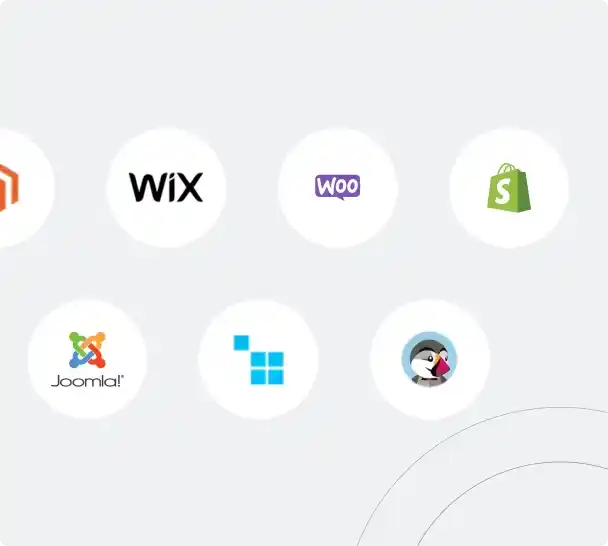
These five use cases come straight from field businesses in Qatar that use SADAD’s API to connect directly with systems such as Odoo, SAP, Microsoft Dynamics, and QuickBooks.
Let’s walk through them.
1. E-commerce & Retail: Clean Order-to-Cash in Real Time
Orders come in through an online store. Payments are collected. But the ERP only updates once a week if someone remembers to export the CSV file.
SADAD’s API syncs every successful payment directly to the ERP, instantly updating:
- Invoice status to “paid”
- Inventory levels
- Cash flow dashboards
One retailer went from 12 hours per week of reconciliation to 0. They now close out daily sales in real time across three branches.
2. Restaurants & Food Delivery: Branch-Level Reporting Without the Spreadsheet Chase
Multi-branch restaurants use POS devices at each location but manually consolidate reports. Finance gets inconsistent data from each manager, often days late.
POS payments are pushed via API into the company’s ERP, tagged by branch and timestamp—no need to wait for store managers to email reports.
Then he made the smart move to SADAD.
Finance now pulls accurate, same-day revenue and splits by card/cash from one dashboard. Errors dropped. Month-end happens faster.
3. Fleet & Logistics Companies: Payment + Delivery Sync in One Flow
Drivers collect payments via x SoftPOS, but reconciliation with delivery logs happens in a silo. Matching who paid what, and for which shipment, takes hours.
When payment is received via SADAD, the API sends a confirmation back to the logistics platform, which then syncs with the ERP. Payment status is matched to the delivery ID in real time.
No more back-office reconciliation. The company now tracks revenue and delivery completion in a single place, with full audit logs.
4. Healthcare & Clinics: Patient Billing That Matches Payment Reality
Clinics use traditional ways to collect payment at reception, but billing in the ERP (often SAP or Oracle) isn’t updated immediately. Delays and duplicate entries happen weekly.
SADAD’s API pushes payment confirmation, including service type, amount, and patient reference, into the ERP’s patient billing module.
Front-desk staff stopped manually entering receipts. Finance can now instantly match every service with payment, and refunds flow both ways.
5. Professional Services: Invoices That Don’t Need Follow-Up
Agencies send dozens of invoices each month. Finance has to mark each as paid in Dynamics or Zoho Books manually.
As soon as a client pays through SADAD (card, bank transfer, or QR code), the ERP marks the invoice as paid. Auto-match. No delays. No chasing.
Collections improved. Payment tracking became self-updating. And end-of-month no longer involves a shared Excel sheet and three cups of coffee.
These are real problems solved by integration.
And whether you’re running one clinic or a chain of retail stores, the principle is the same: connect your ERP and SADAD via API, and let the systems do what people shouldn’t have to.
How SADAD Integrates with Your ERP: The Technical View

Let’s demystify the part most people avoid.
ERP integration sounds complex, but with SADAD, the process is direct, structured, and built to work with the systems businesses in Qatar already use.
Here’s the breakdown.
Step 1: Identify Your ERP System
SADAD’s API is ERP-agnostic.
That means it’s been successfully integrated with:
- Odoo (on-prem or cloud)
- Microsoft Dynamics 365
- SAP Business One & SAP S/4HANA
- Oracle NetSuite
- Zoho Books
- QuickBooks Online
- Custom in-house ERP systems
What matters is that your ERP can handle RESTful API calls or connect via middleware (like Zapier, Make, or direct SDKs). Most modern ERPs can be used either natively or through extension modules.
Step 2: Define What You Want to Automate
The best integrations start by answering:
- Do you want invoices generated inside the ERP or in SADAD?
- Who triggers the payment request: your ERP or your frontend app?
- Do you want SADAD to handle payment status and push updates to the ERP?
- How should refunds, partial payments, and failed transactions be handled?
Example: A retail chain in Doha chose to generate invoices in SADAD and push status updates back into Odoo via a webhook. This gave them cleaner tracking and less ERP clutter.
Step 3: Authenticate and Connect
SADAD uses OAuth2 bearer tokens for secure access. Your integration team will:
- Request API credentials (client ID + secret)
- Connect via HTTPS endpoints.
- Use JSON payloads for every transaction, status check, or data sync.
Authentication is:
- Tokenized
- Time-bound
- Traceable (with full logs on both sides)
Step 4: Enable Webhooks (For Real-Time Sync)
This is where the real magic happens.
SADAD can push real-time updates to your ERP using webhooks:
- Payment completed
- Invoice expired
- Refund issued
- Error on transaction
Your ERP just needs to expose an endpoint that can receive and parse this data.
No polling. No lag. Just live transaction data piped directly into your backend.
Step 5: Test in Sandbox, Then Go Live
SADAD offers a complete sandbox environment that mirrors live transactions using fake data. You can:
- Create test invoices
- Simulate successful and failed payments.
- Confirm how your ERP handles each event.
- Debug before pushing to production.
Once everything works, flip the switch. Your systems go live.
Real Example: A Qatar-based logistics firm with SAP
They needed to:
- Generate SADAD payment links from inside SAP
- Match each payment with a delivery reference
- Update payment status in SAP instantly
The integration team used a lightweight middleware app that:
- Pulled delivery records from SAP
- Created SADAD invoices via API
- Monitored webhooks to catch payment status
- Wrote back “Paid” to SAP in real-time
It took no time to deploy. Two hours to train the team. And it eliminated a daily 3-hour reconciliation task.
You don’t need to be a developer to understand this.
You just need the right team to build it once, and then your systems run clean forever.
How to Plan Your SADAD & ERP Integration
Integration doesn’t have to be a massive IT project. You don’t need six months, a full-stack dev team, or a consulting firm.
You need one focused time and a clear game plan.
Here’s how SADAD clients in Qatar have launched fully working integrations.
Step 1: Map the Payment Journey
Start by answering a few grounded questions:
- Where do payments happen online, at POS, via WhatsApp link, or via a mobile app?
- Who triggers the invoice: sales, finance, or the system?
- Where should payment data land: ERP, CRM, both?
- What needs to happen after a payment mark invoice is paid, trigger receipt, notify ops?
This is not a tech task, it’s a process-mapping task. You’re defining the handshakes between tools.
Tip: Get finance, ops, and tech in one 30-minute call. Without alignment here, the integration fails later.
Step 2: Confirm ERP Compatibility
Loop in your ERP vendor or internal dev. Ask one question:
Can our ERP consume a REST API and receive webhooks?
If you’re on:
- Odoo, Zoho, or QuickBooks: You’re ready out of the box.
- Microsoft Dynamics or SAP: You’ll likely use a middleware connector (e.g., Power Automate, Dell Boomi).
- Custom ERP: Your dev team will handle direct API calls.
SADAD shares technical documentation from day one,your dev doesn’t have to guess.
Step 3–4: Set Up Test Environment
SADAD gives you access to a sandbox environment. This lets your team:
- Create dummy invoices
- Test payments
- Receive webhook payloads
- Simulate real flows without risking actual transactions.
You’ll also get your API keys. Keep them secure. Use Postman or any REST client to start sending/receiving data.
Step 5: Connect and Automate
Now that the data flow is mapped and the systems are talking:
- Build out key API calls (invoice creation, payment tracking, refund triggers)
- Set up webhook listeners inside your ERP or connected middleware.
- Automate the “invoice paid” status update.
Most of this is plug-and-play using SADAD’s docs. If you’ve got dev support, it’s smooth.
Step 6: Internal Testing and Reconciliation
Run a batch of test transactions from start to finish. Examples:
- Create five invoices → pay them via SADAD → check if ERP marks them “paid.”
- Trigger refunds → verify reversal in ERP.
- Force a failed payment → make sure ERP handles it correctly.
Don’t skip this. One missed edge case in testing = 20 headaches later.
Step 7: Go Live + Monitor
Once testing is clean:
- Switch to production credentials
- Go live quietly, no need for a launch event.
- Monitor the first 24 hours of transactions closely.
If something breaks, it’ll break early. SADAD’s team provides support during this stage. You’re not alone.
And just like that, you’re integrated.
No more manual entries. No more weekend reconciliation. Just clean, automated sync between SADAD and your ERP.
Final Thoughts: Integration Isn’t Just a Feature, It’s an Advantage
You don’t integrate SADAD with your ERP just to check a box.
You do it because disconnected systems cost real money through delays, duplication, manual work, and missed insights.
The businesses that win in Qatar’s new digital economy aren’t working harder. They’re working smarter by connecting the tools they already use and letting data move without friction.
Here’s what we’ve seen, again and again:
- Finance teams reclaim hours every week
- Operations gain real-time visibility on sales, payments, and inventory.
- Founders stop chasing reports and start seeing patterns.
And this doesn’t require a transformation initiative or a new platform. It just requires connecting the systems you already use, SADAD, and your ERP, so they can do the heavy lifting together.
Are the companies doing this today? They’re not just integrated. They’re free to grow, to scale, and to focus on what actually moves their business forward.

Last Articles

Articles
The Qatar Business Owner’s Guide to WhatsApp Commerce and Getting Paid Faster
WhatsApp Commerce in Qatar: How to Turn Conversations into Sales with Payment Links You have already made sales on WhatsApp without calling them sales. A customer messages you asking about...
Read more
Articles
SADAD 360: The All-in-One Business Suite Built for Qatar’s SMEs
SADAD 360: The All-in-One Business Suite Built for Qatar's SMEs Most businesses in Qatar aren't struggling because of bad products or poor service. They're struggling because they're running their operations...
Read more
Articles
The SADAD Shopify Integration Guide Most Merchants Wish They Had Earlier
How to Set Up SADAD Payments on Your Shopify Store : How to Set Up SADAD Shopify Integration (Step-by-Step Guide) If you're running a Shopify store in Qatar, you've probably...
Read more